
Shift Scheduling and Time Clock App for Field Teams
CosaNostra keeps shifts, check-ins and hours in the same calendar as the work. Plan recurring shifts and replacements, let employees clock in and out from their phone with location, see late arrivals and no-shows, and get each employee’s hours for any period — exported to PDF and used for automatic pay calculation.


How it works
Plan shifts in the team calendar.
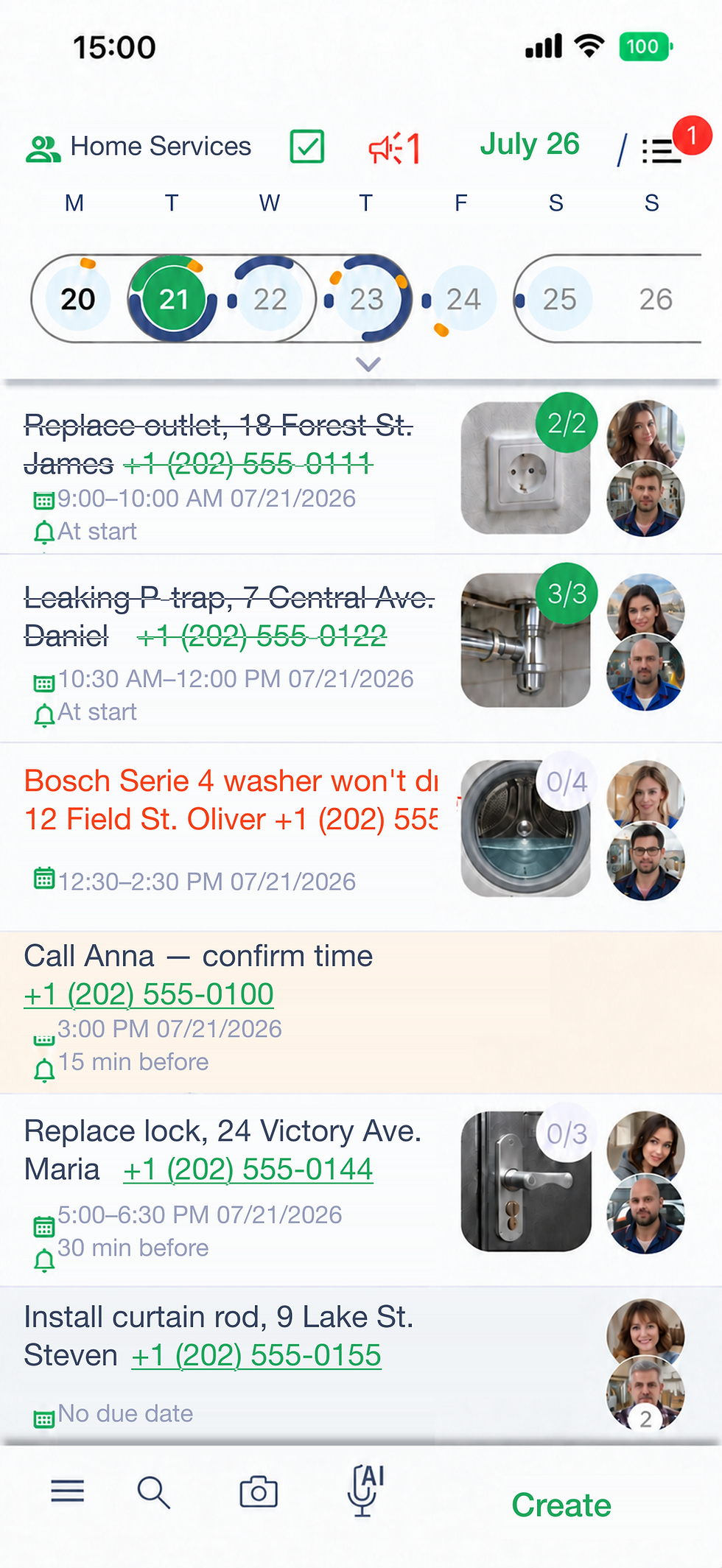
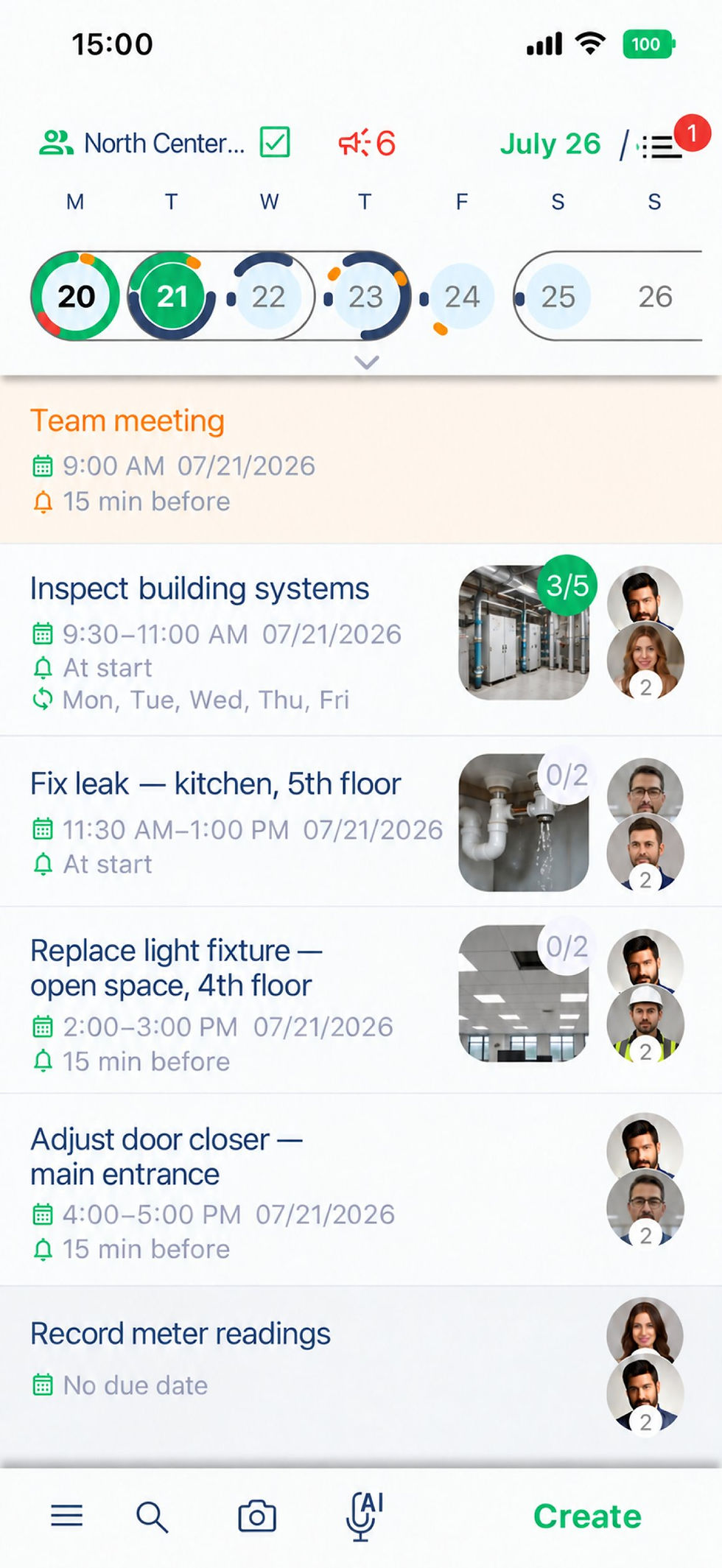
Recurring shifts — 2/2, 5/2, nights or your own pattern — days off, vacations and replacements sit next to tasks and orders. If someone calls in sick, reassign the shift from your phone and the replacement sees it, with the tasks of that shift, right away.



Clock in and out with location.
Employees mark the start and the end of the shift in the app, and the location is recorded at the moment of the mark. The manager sees who started on time, who was late and who did not show up — without calls or a paper sign-in sheet. From the same shift row an employee can request leave: the manager approves or declines it, and shifts that fall on an approved vacation turn yellow.
Hours, PDF and pay in one place.
See the hours of every employee for a week, a month or any period and export them to PDF. Each shift has its own pay, schedule (5/2, 2/2, 3/2 or weekly) and required clock-in, and pay is calculated from the hours worked, so the end of the month is a check, not a spreadsheet job.


What’s inside
Recurring and custom shifts, days off, vacations and replacements.
Clock in and clock out from the phone, with location at the moment of the mark.
Late arrivals and no-shows visible to the manager.
Hours per employee for any period, exported to PDF.
Automatic pay calculation from hours worked.
Shifts, tasks and orders in one day, week and month calendar.
FAQ
How does clocking in and out work?
Do you track employees’ location all day?
Can I see late arrivals and no-shows?
Can I export the hours?
How are pay and replacements handled?
Is it a payroll or an official timekeeping system?
Which shift patterns can I set up?
Can employees request time off in the app?
Can I require a check-in only for some shifts?
Do employees see their tasks for the shift?
How is the pay for a shift set?
How much does it cost?

Pricing
Two
Group of up to
2 users
Always free
Five
Group up to
5 users
5,99$ per month
Twenty
Group up to
20 users
19,99$ per month
Hundred
Group up to
100 users
59,99$ per month
Where teams use it
Flower shops — florist and courier shifts for every holiday rush.
Auto detailing — detailer and washer shifts across the week.
Security guards — 2/2, 3/3 and night shifts with check-ins on site.
Cleaning — cleaners on several sites, each with a start mark.
Facility maintenance — technician rotas and on-call shifts.
Field service — technicians’ working days and replacements.
Construction — crew shifts on every site.
CosaNostra is a shift scheduling app and a mobile time clock for small field teams in one calendar. Build the employee schedule, cover absences with replacements, let staff clock in from the job site and see the hours of the whole team without collecting timesheets by hand. Because shifts, tasks and photo-checked work live together, you know not only who was on shift but what they got done.