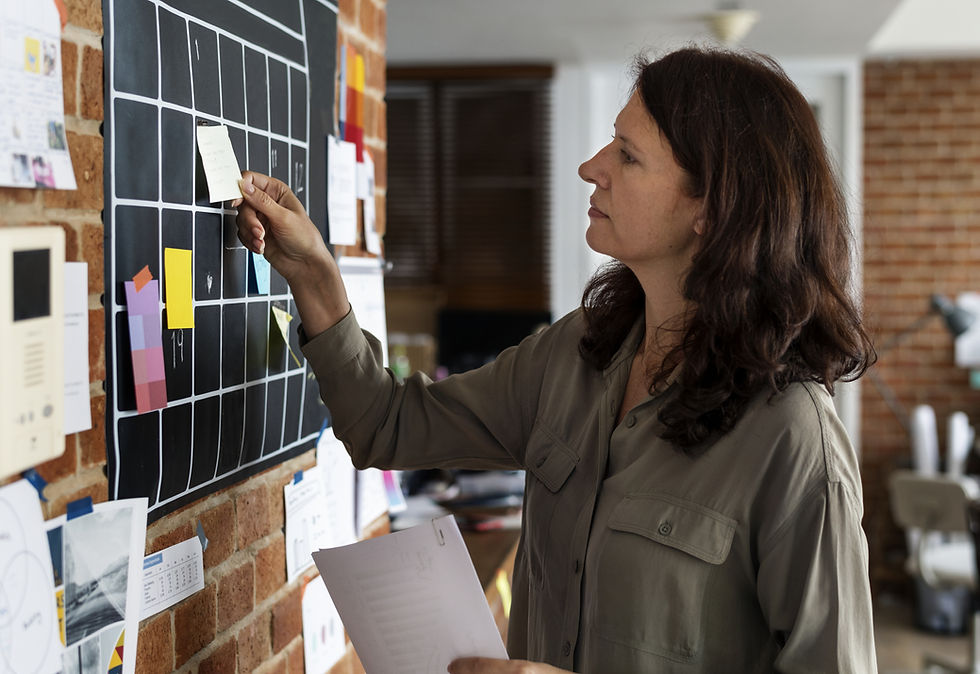
Run of Show Template for Small Events: Timeline, Owners and Alerts on the Phone
A run of show template is a minute-by-minute plan of the event day: every block — arrival, setup, guest arrival, program, food service, teardown — with a start time, an end time and one named owner, so each person on the crew knows what they do and when without calling the owner. It is narrower than the whole order: the event planning timeline covers the weeks before the event, while the run of show covers the single day itself.
The usual problem looks like this. The owner of a small party company prints a run of show on Friday night: setup crew at 12:30, animator at 15:00, cake at 16:15, teardown at 19:00. On Saturday morning the client moves the start by forty minutes. The owner updates the spreadsheet and sends it to the group chat. The animator sees it; the setup crew, already driving, does not. The printout in the van still says 12:30.
Why a run of show template on paper fails in a small team

Large productions have a stage manager who reads the run of show into a headset. A team of three to fifteen people does not. The same person sets up the photo zone, then hosts the games, then packs the van, often while the owner is at another event. A document alone breaks in three places:
Nobody reads it at the right moment. A PDF in the chat does not tell the animator to leave at 14:20. People need an alert on the phone a set time before their block.
Blocks have roles, not names. "Setup crew — 12:30" works until two events overlap on the same Saturday. Each block needs a real person, checked against the shift plan for the day.
Changes do not reach everyone. When the client moves the start, every later block moves too, and every owner of those blocks needs to see the new time.
What a run of show template for a small event should contain
Keep it shorter than you think. For a kids' party, a small catering job or a rental setup, six to ten blocks are enough. Each block has five fields:
Start and end time. Not "afternoon" — 15:00 to 15:45.
What happens. One line: "Build the photo zone and balloon arch", "Serve hot dishes", "Load props back into the van".
Owner. One person per block, even if three people do the work.
Where. The hall, the garden, the kitchen, the client's address if the crew has not been there before.
Check. How the owner knows the block is done: a photo of the setup, a short checklist, a message to the client.
A typical Saturday run of show for a kids' party: 12:30–14:30 setup and decor; 14:30 photo of the finished venue; 15:00–15:10 guests arrive; 15:10–16:00 animator program; 16:00–16:20 cake and photos; 16:20–17:00 games and goodbye; 17:00–18:00 teardown and van loading. Your blocks will differ, but the shape is the same.
How to turn a run of show template into alerts on the crew's phones
Building it by hand for every event takes time, so keep one template per event type and reuse it. In CosaNostra you can create each block by voice: say "Saturday at 12:30, setup at the Miller party, Anna and Leo, remind them an hour before", check the draft the AI prepares and save it. One request creates one task, so a run of show of seven blocks takes seven short requests.
Write your most common event type as a list of blocks with times and roles.
For the next booking, create one task per block on the event date with an exact start and end time.
Assign a real person to each block — check who is on shift that day first.
Set the alert for each block: 30 minutes before for on-site blocks, one or two hours before for blocks that need travel.
Add a short checklist and a reference photo to the blocks that are easy to get wrong: setup, food service, teardown.
Open the day view in the calendar the evening before and read the whole run of show from top to bottom.
When the client changes the time, edit the affected blocks first, then tell the team.
How the run of show works in CosaNostra

In CosaNostra every block of the run of show is a task in the shared team calendar, with a date, an exact start and end time and its assignees. The day view shows the whole event day as a sequence of cards; each card shows the assignees' avatars and checklist progress, so you see at a glance which blocks have started and which have not been touched. Shifts sit in the same calendar, which makes it easy to see who is free before you assign a block.
Assigned people get a notification, and each task can carry an alert at the start or 5, 10, 15 or 30 minutes, or one or two hours, before. For something that is only a nudge — "call the client at 14:00 to confirm the guest count" — a reminder is enough: it has a title, a date, a time and participants, and nothing else. When you edit a task, its assignees receive it again for review, so a moved start time does not stay unseen in a chat. An employee who cannot cover a block can decline the task — always the whole task; they are removed from its assignees, and if everyone declines, the author becomes the assignee, so the gap shows up before the event, not during it.
Blocks that need proof can carry subtasks as a checklist. The completion photo is taken with the camera at that moment, not chosen from the gallery, and with AI checking on, the AI compares it with the subtask text and the reference photo; below the threshold (80% by default) the subtask stays open and can be retaken right away. Writing "AI" in a task comment brings the assistant into the same thread, visible to everyone on the task — handy for a quick "what is left before the guests arrive?".
One honest limit: CosaNostra does not show a live run of show on a screen or prompt the host on stage. There is no countdown display and no script for the program. It is a work plan for your crew: who does which block, when, and whether it is done. If you also need an on-stage cue sheet, keep it as a separate document for the host.
A run of show template only works when it reaches the people doing the work at the right time. Put the blocks of your next event on the calendar with owners and alerts in CosaNostra, and the printout in the van stops being the only copy.
Frequently asked questions
What should a run of show template include?
Each block of the event day with a start and end time, a one-line description, one named owner, the location and how the owner confirms it is done. For a small event, six to ten blocks are usually enough.
What is the difference between a run of show and an event timeline?
An event timeline covers the weeks before the event: confirmation, preparation, rentals. A run of show covers only the event day, block by block, with exact times.
How do I make sure the crew sees changes to the run of show?
Keep each block as a task with its own time and assignees. When you edit it, the assignees receive it again for review, and the alert fires at the new time.
Can CosaNostra show the run of show on a screen during the event?
No. CosaNostra has no on-screen countdown or host prompter. It keeps the run of show as tasks in the team calendar, with owners, alerts, checklists and photos.